Live Webinar

Set Up HubSpot AEO: Live Portal Walkthrough

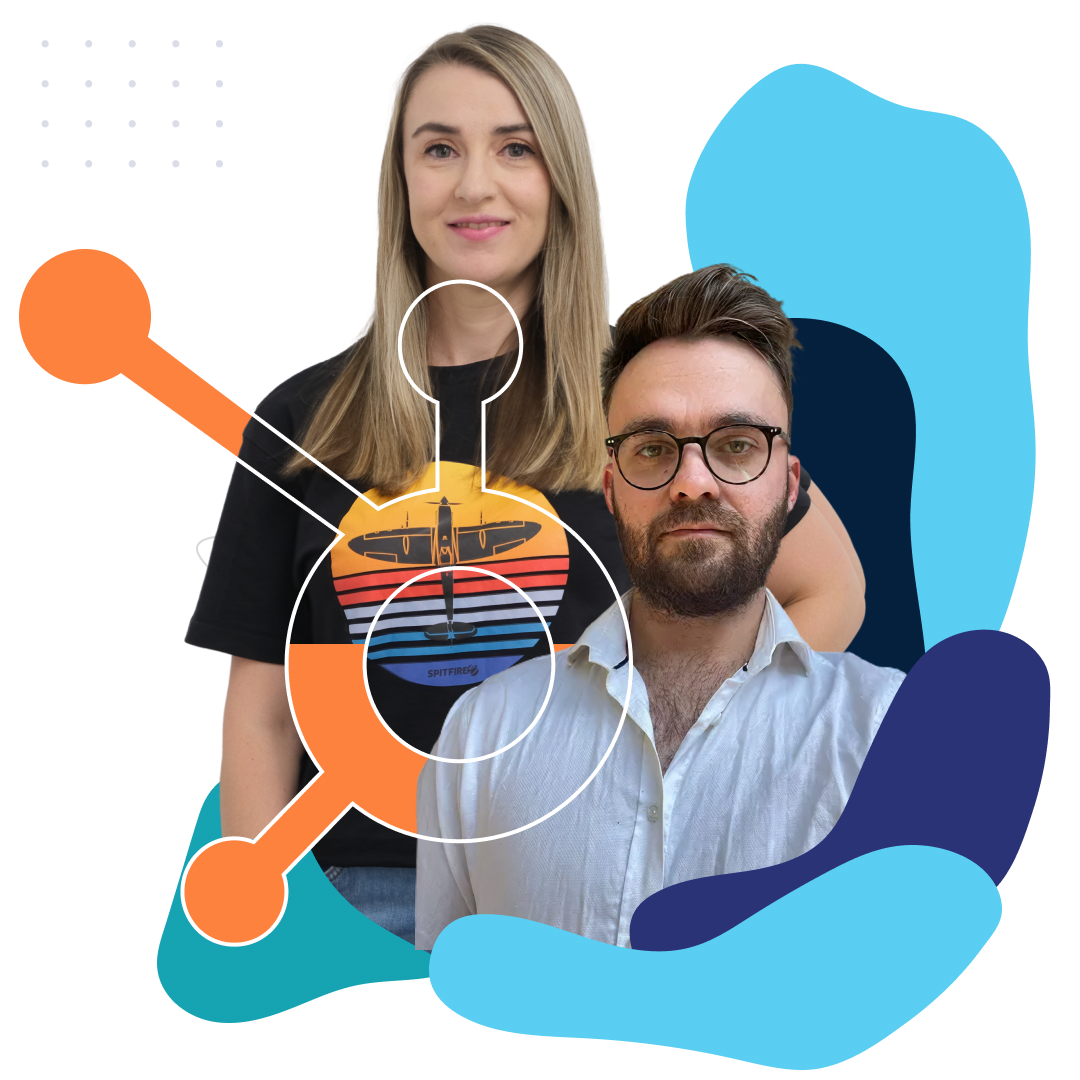
Join Nicole Horne (our AI-search specialist) and Brandon Holz (our Head of AI),  for a practical demonstration on configuring your HubSpot portal for AEO and AI. Learn the strategic framework, essential questions to ask, and follow along step-by-step in your own portal.

Boost AI Visibility and Leads with Answer Engine Optimization _ Spitfire Inbound 4

Master AEO Setup in Your Portal

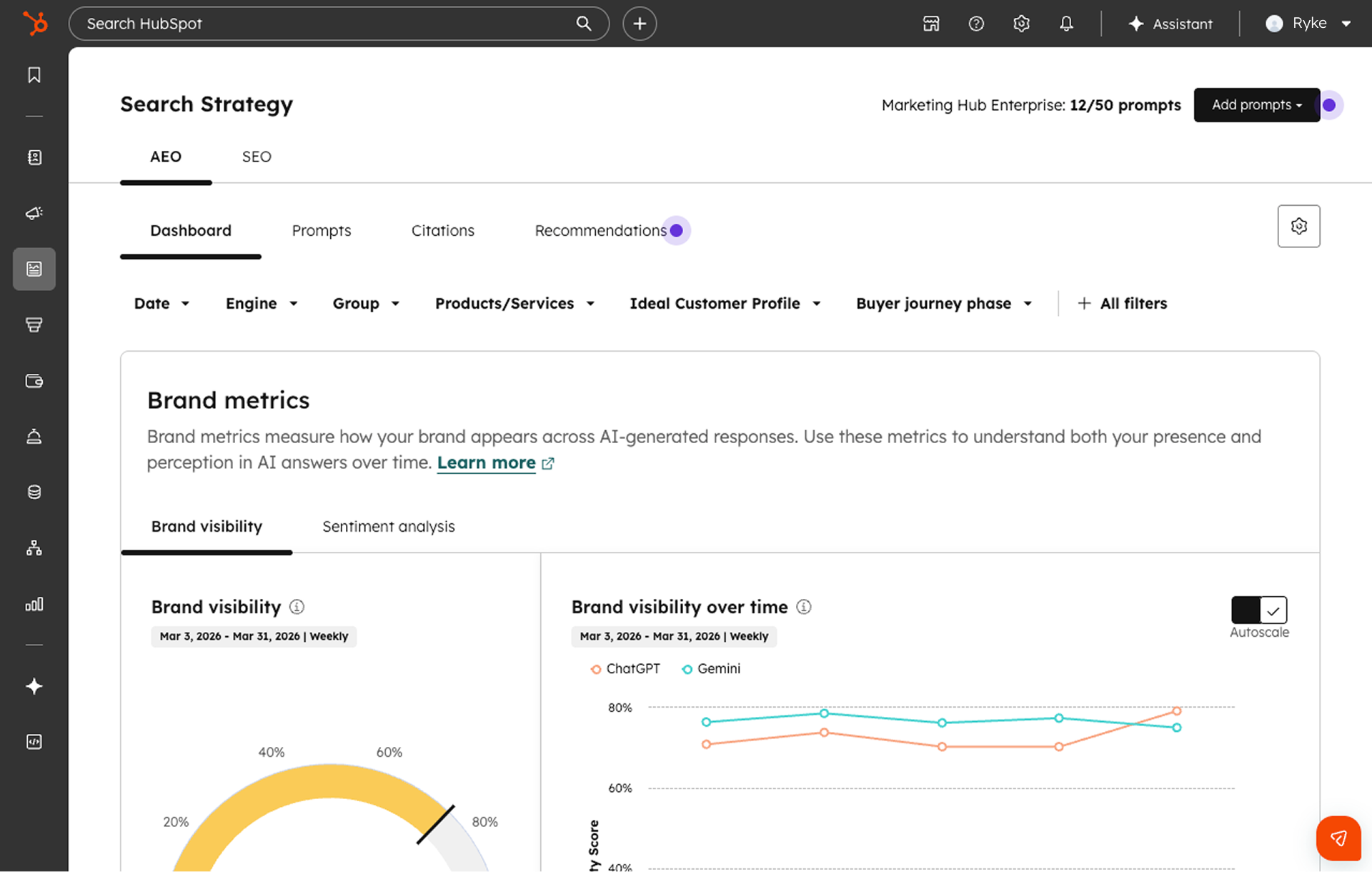
AI data sources in HubSpot

AI visibility begins with the clarity and structure of the data already in your portal. HubSpot’s AEO tool analyzes your existing content, messaging, and customer context to evaluate how your brand appears in AI-generated responses. This guide helps you understand what to prepare before setup and how to organise your portal so AI engines can accurately interpret, trust, and recommend your brand when buyers ask relevant questions.

Pillars of your AEO strategy

AEO is about being selected in answers, not just appearing in search. We’ll walk through the strategic framework behind AEO, including how to set up and identify high-impact prompts, map real buyer questions, and structure content for answerability. This is the foundation that turns your HubSpot setup into a system for consistent AI visibility.

How to measure AEO success

Visibility in AI requires a new way of measuring performance. You’ll learn how to track brand visibility across answer engines like ChatGPT, Gemini, and Perplexity; including how to interpret your visibility score, understand citation and competitor metrics, identify gaps, and prioritise opportunities.

AEO set up

This is where strategy becomes something you can actually execute. In a live walkthrough, we’ll guide you step-by-step through configuring your HubSpot AEO tool, from setting up prompts to turning insights into actionable content strategies. You’ll leave with a working setup and a clear framework you can apply immediately in your own portal.

aeo-brand-visibility
What you'll learn

Hands-On AEO Setup: Configure Your Portal Live

  • You'll learn how to track brand visibility across answer engines

  • Identify high-impact prompts

  • Turn recommendations into actionable content strategies

  • Walk away with the strategic framework and technical know-how to implement AEO in your own portal immediately after the session

AEO Guide

Download your free AEO Guide for HubSpot implementation

Get practical steps to configure your portal, track brand visibility, and start improving AI citations today.

FAQ

Questions about the webinar?

What will I learn in this webinar?

This webinar is designed for marketing and revenue leaders who want to understand how their brand appears in AI-generated answers across platforms like ChatGPT, Gemini, and Perplexity. Nicole Horne (our AI-search specialist) and Brandon Holz (our Head of AI), will walk you through the strategic framework for AEO, what data you need before starting, and a live demonstration of setting up HubSpot's AEO tool in your portal.

What do I need before attending?

You'll need access to your HubSpot portal (Marketing Hub Pro or Enterprise, or the standalone HubSpot AEO solution). Before the session, gather your key competitor list, a list of buyer questions relevant to your business, and your brand messaging guidelines. This preparation ensures you can follow along with the practical demonstration and apply the setup steps immediately.

Will there be a recording available?

Yes. All registered attendees will receive a recording within 24 hours of the live session, along with a downloadable AEO quick-start checklist and AEO guide.

Do I need HubSpot experience to attend?

No prior HubSpot experience is required, though familiarity with your marketing goals and buyer journey will help you get the most value. Nicole will guide you through each step of the tool setup, from configuring your first prompts to interpreting your brand visibility score. The session is designed for both beginners and experienced HubSpot users looking to add AEO to their strategy.

Explore these insights...